Your favorite photos. Their next coloring adventure. Create outlines, choose A4 or Letter, and make a printable collection.
5 free watermarked previewsSVG, PNG & PDF exportsA4 & Letter
Sign in to use your 5 free previews
01 YOUR PHOTO JPG · PNG · WEBP
5 free previews per account. No card required. Photo privacy
02 YOUR DRAWING PREVIEW → EXPORT
Your coloring page will appear here.Upload → preview → export
Choose a photo to begin.
01 / UPLOAD A PHOTO02 / CHECK THE LINES03 / MAKE IT YOURS
CHECK IT BEFORE YOU PRINT
Choose the source, inspect the spaces and check the paper before printing.
Photo to Coloring Page: What You Get
A finished coloring page is a black outline on a white background: closed contours with open areas to fill, not a shaded drawing or a pencil sketch. The paid export is a paper-sized PDF for A4 or US Letter, and a 300 DPI PNG is available for raster workflows. Successful results can also be combined into an ordered multi-page PDF. The tool preserves the shapes and proportions of your photograph rather than inventing a new illustration, so inspect the preview for recognizable details and regions that are comfortable to color. A free result is a raster preview with a watermark applied on the server; clean PNG, SVG and the print PDF require paid credits.
Create a Coloring Page From a Photo in Three Steps
Upload a JPG, PNG or WebP within the displayed size limit, inspect the preview at the size you plan to print, then unlock the export you need. The server queues the task, generates the outline and prepares the files; a step indicator replaces a percentage because the model does not report reliable progress. After thirty seconds the page explains that processing continues in the background, and you can return to the same account to recover the task. The total deadline is ten minutes. A failed or timed-out task releases its reserved use or credit.
Make a Coloring Page From a Photo With Room to Color
A personal coloring page starts with something recognizable: a family pet, a favorite place, a simple still life or another photograph you have permission to use. Large clear regions are easier to color than tiny fragments, particularly for younger children or broad markers. Fur, foliage and elaborate textures are common sources of small enclosed shapes, so crop a busy background before uploading and preview the page at its intended print size. Check the boundaries that matter for the activity: faces, eyes, paws and other recognizable features should look intentional, while decorative marks should not make the subject confusing. Structural path closure and visible region closure are related but different checks, so inspect the particular areas the person will fill. Think about how the page will be used before selecting the source, print one sample for a group, and keep the final choice of detail with the person who knows the audience.
Print-Ready A4 & Letter PDF, 300 DPI PNG and Multi-Page Packs
A4 and US Letter are different physical paper sizes. Choose the PDF that matches the paper in your printer rather than relying on an automatic fit setting; the export centers the artwork, leaves print margins and includes a calibration ruler. Print at actual size or one hundred percent, and run a small test sheet before preparing a whole stack. A4 raster exports use 2480 by 3508 pixels and Letter uses 2550 by 3300 pixels for the stated paper dimensions; a vector PDF stores paths and therefore has no single fixed raster resolution. Combining already unlocked successful results into an ordered multi-page collection does not create another model task for each page. Keep the paper size consistent, check page count and orientation, and open the completed PDF before printing the full set. If you need a cut-ready vector instead of a page to color, the same closed outline comes out of PhotoToLineDrawing as an editable SVG.
FROM PHOTO TO PAPER
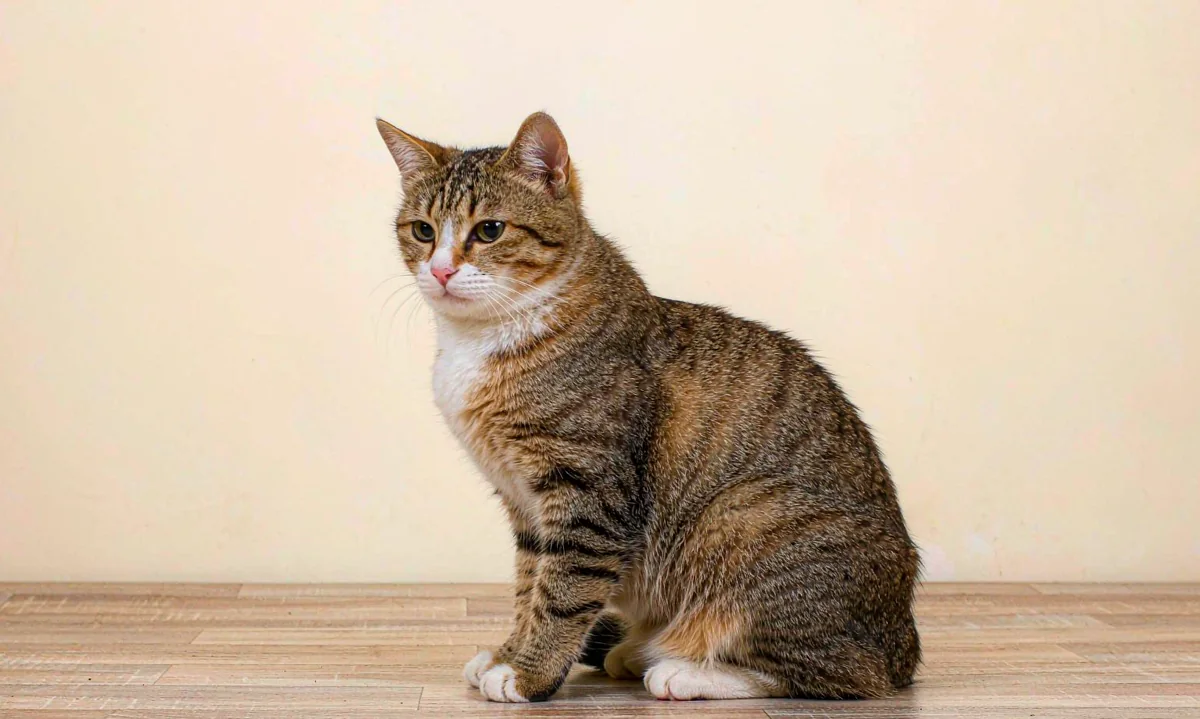
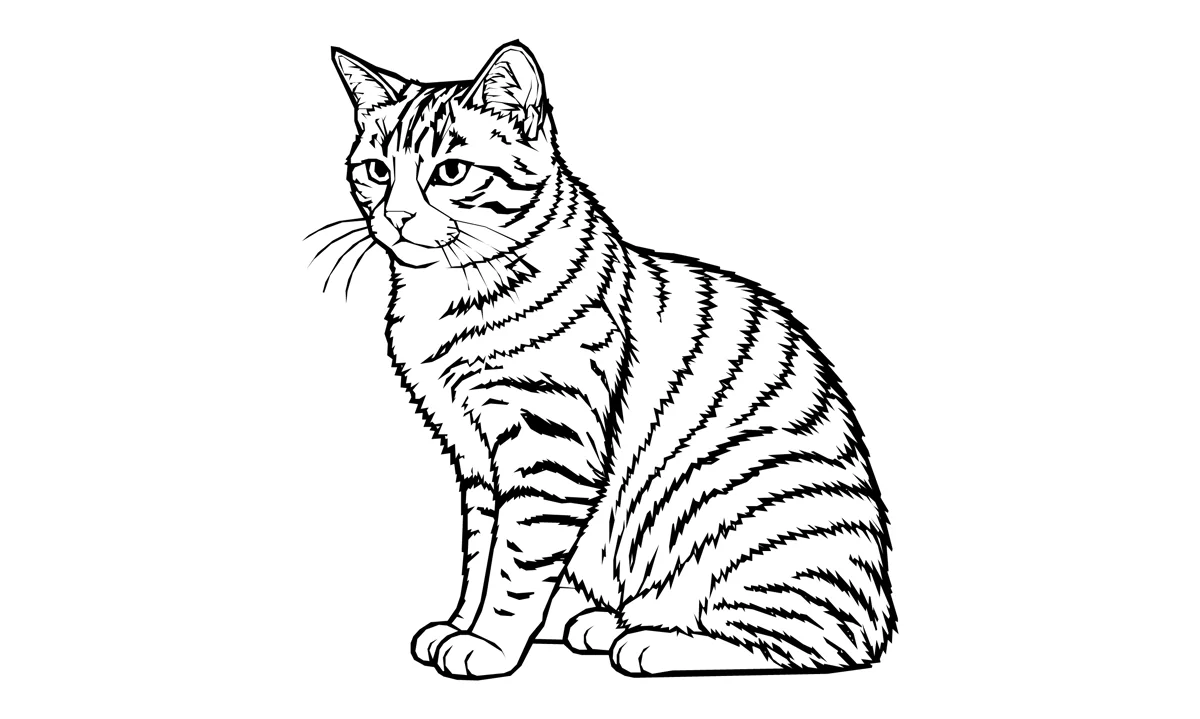
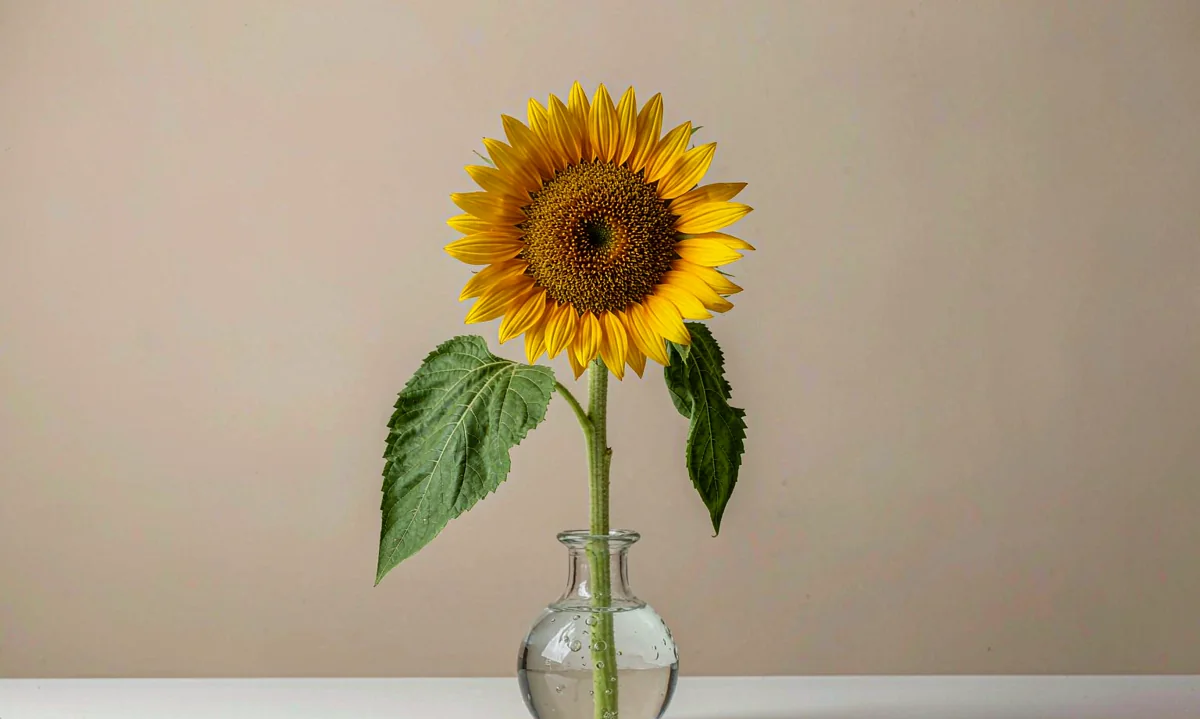
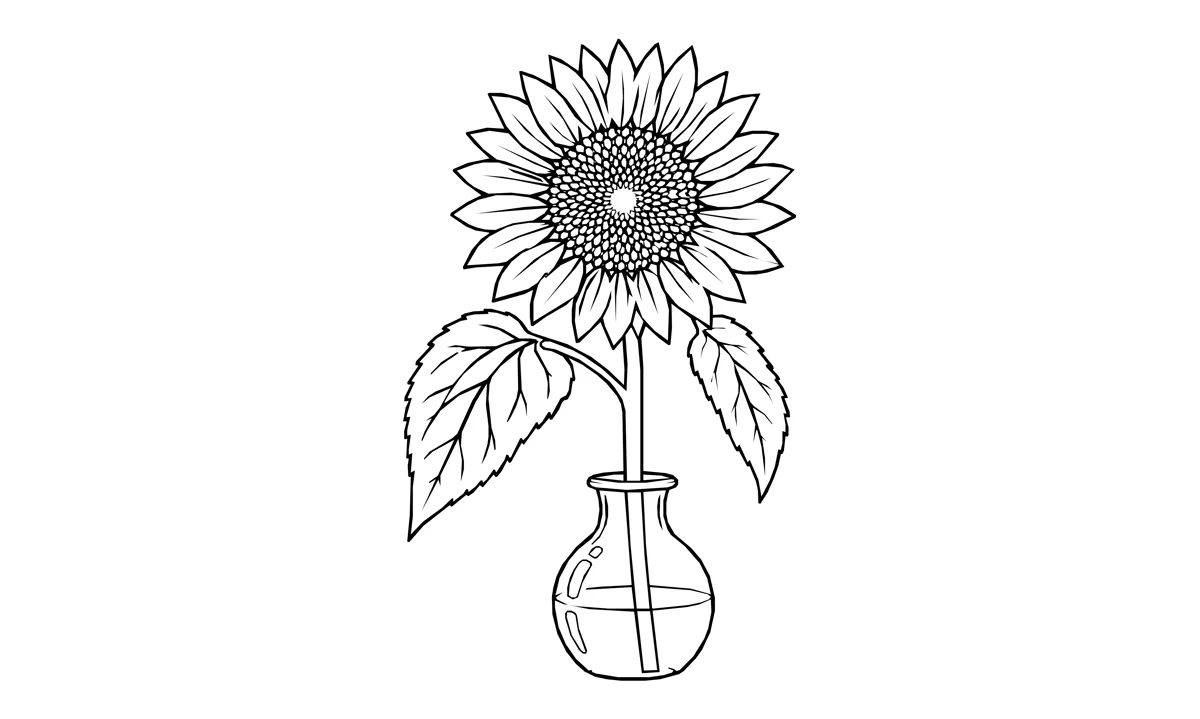
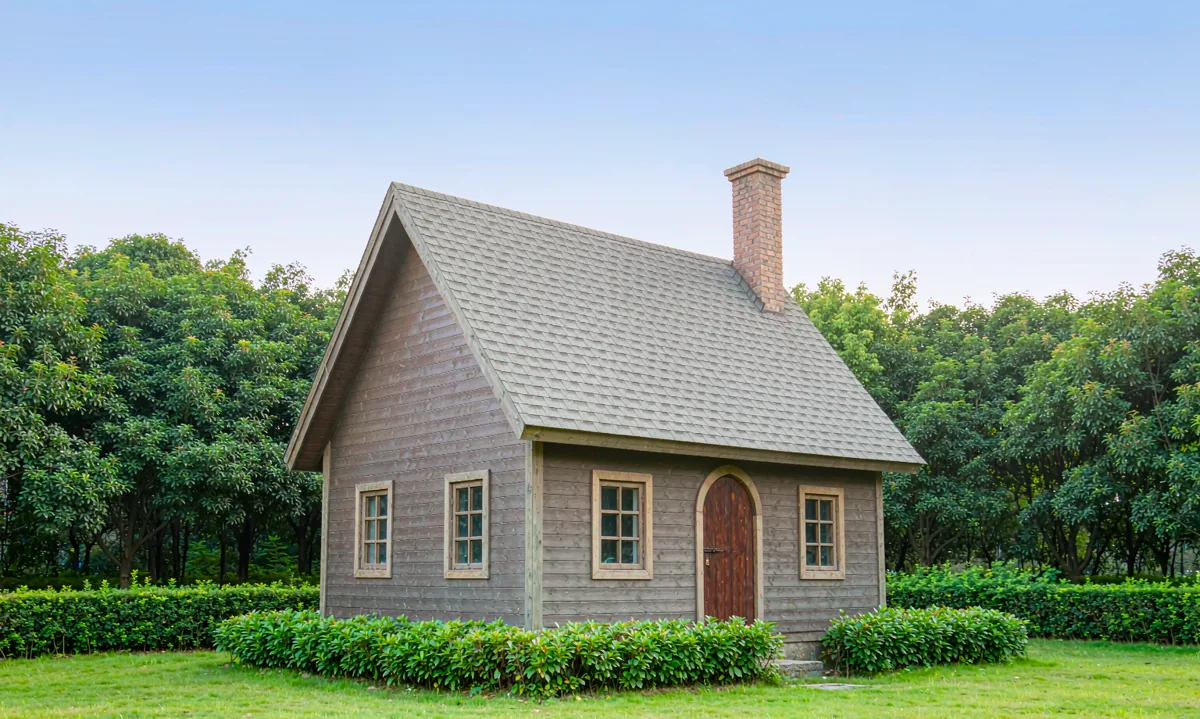
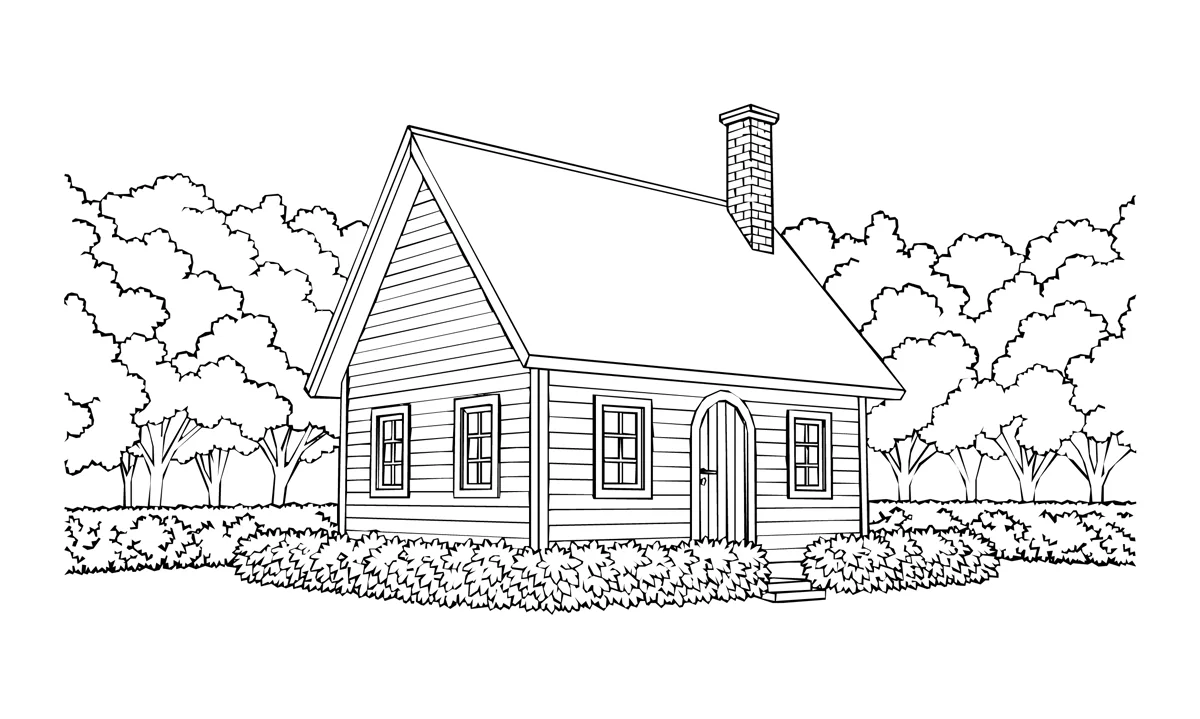
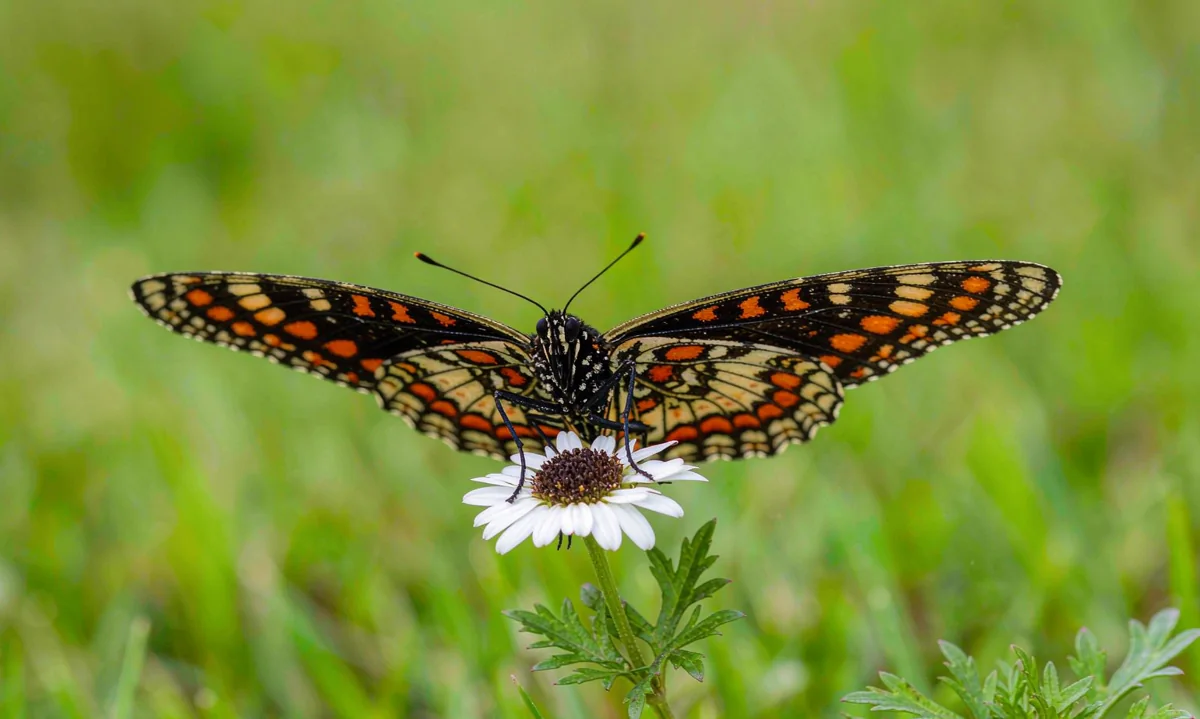
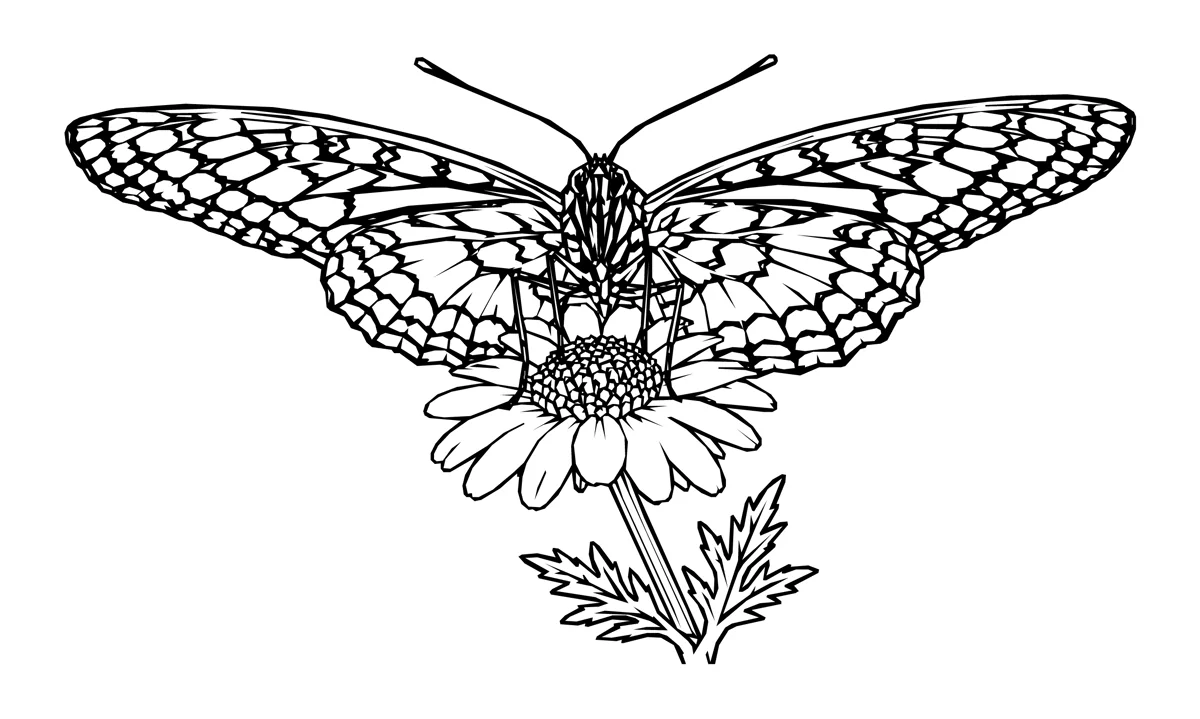
Coloring Page Examples: Pet, Flower, Cottage and Butterfly
Each pair is one input photo and the coloring page this tool returned for it. Dense detail can mean more paths to edit. Inspect the preview for your own project.
Output from real jobs. Examples are shown as raster previews; your own photos are never published here.
PLANS AND ONE-TIME PACKS
Free Preview, Paid Downloads and Coloring Book Packs
Monthly plans cost less per credit. One-time packs work on their own, with the same clean SVG, PNG and PDF export formats.
Monthly plans
Credits refresh every month. Cancel any time; access continues to the end of the paid period.
Basic
$9.90 / month
30 credits each month
…Most popular
Plus
$29.90 / month
120 credits each month
…
Pro
$69.90 / month
300 credits each month
…
One-time packs
No subscription and no renewal. Buy a pack when a project needs it; it keeps working without a plan.
Small pack
$20.00 once
50 credits in one pack
…
Large pack
$50.00 once
140 credits in one pack
…
Every plan and pack works the same way: one credit per successful conversion, clean SVG, PNG and both PDF sizes on unlock, and repeat downloads of an unlocked result stay free while the file is kept.
Every signed-in account receives five free previews in total; these are a welcome allowance, not a daily reset. A successful free result is a watermarked raster preview. Clean PNG, SVG and paper-sized PDF files require paid credits from a monthly plan or a one-time pack, and a pack works without an active subscription. Reopening the download panel, changing between A4 and Letter, or downloading the same unlocked page again does not start another conversion. A failed or timed-out task releases its reserved credit.
Prices in USD. Pick a plan right here: PayPal opens for the payment and credits are added as soon as it is confirmed. A failed task releases its credit automatically, and repeat downloads of an unlocked result stay free while the files are kept.
A FEW THINGS TO KNOW
Coloring Page FAQ
Which photos work best for a coloring page?
A picture to coloring page conversion starts with a sharp, recognizable subject that has clear edges and an uncluttered background. Use JPG, PNG or WebP within the upload limit, and upload only material you are allowed to process. A simple pet, object or scene often leaves more comfortable coloring areas than a densely textured photograph.
Will every coloring area be closed?
Inspect the boundaries important to your activity. A path can be structurally closed without every visible coloring region being suitable, and small decorative lines can intentionally remain open. Look for gaps, self-intersections and tiny regions. Preview at the intended print size, and simplify the source or edit the SVG if the page is too busy.
Should I choose A4 or US Letter?
Choose the paper that is actually loaded into your printer. The export centers the artwork and leaves defined margins, with a separate ruler to check physical scale. Print at actual size rather than fitting one paper format into another. A test sheet helps reveal printer-driver scaling or clipping before you print a whole collection.
Are the print files 300 dpi?
A4 PNG exports use 2480 by 3508 pixels and Letter uses 2550 by 3300 pixels for the stated paper dimensions. PDFs contain vector geometry instead of a fixed-resolution photograph. These formats do not add missing detail to a low-quality original. Readability still depends on the artwork, printer, ink, paper and the size of the coloring regions.
Can I download several pages as one PDF?
A paid collection can combine successful, unlocked results into an ordered multi-page file. Check each page, choose a consistent paper size and confirm the final page count before printing. Failed pages should be identified rather than silently included as blanks. Combining or downloading already unlocked work does not start another model generation for those same results.
What is free, and what happens if a task fails?
Each signed-in account gets five free previews in total, with no daily reset, and each one is a watermarked raster image. Clean print PDF, SVG and PNG exports require paid credits from a monthly plan or a one-time pack. Failed or timed-out tasks release their reserved use. Read the published storage, credit-validity and refund terms before payment, and save your files before their expiry.
Is this a pencil sketch filter? Does it add shading?
No. The output is a clean, closed-contour coloring page intended to be printed and filled in. It does not add pencil shading, paper texture or an artistic sketch style. If you need a shaded drawing, this converter is not the right tool. If you need clear regions and a paper-sized PDF or PNG, upload your photo and inspect the free preview first.
Do I need permission to use the photo?
Upload only photographs you own or are allowed to process. A photograph being publicly visible does not establish permission to reuse it. Avoid sensitive documents, private medical images and photographs whose subjects have not agreed to the intended use. Images are processed through the providers identified in the privacy policy; account records, output files and payment records have different retention rules. Download finished work before its displayed expiry.